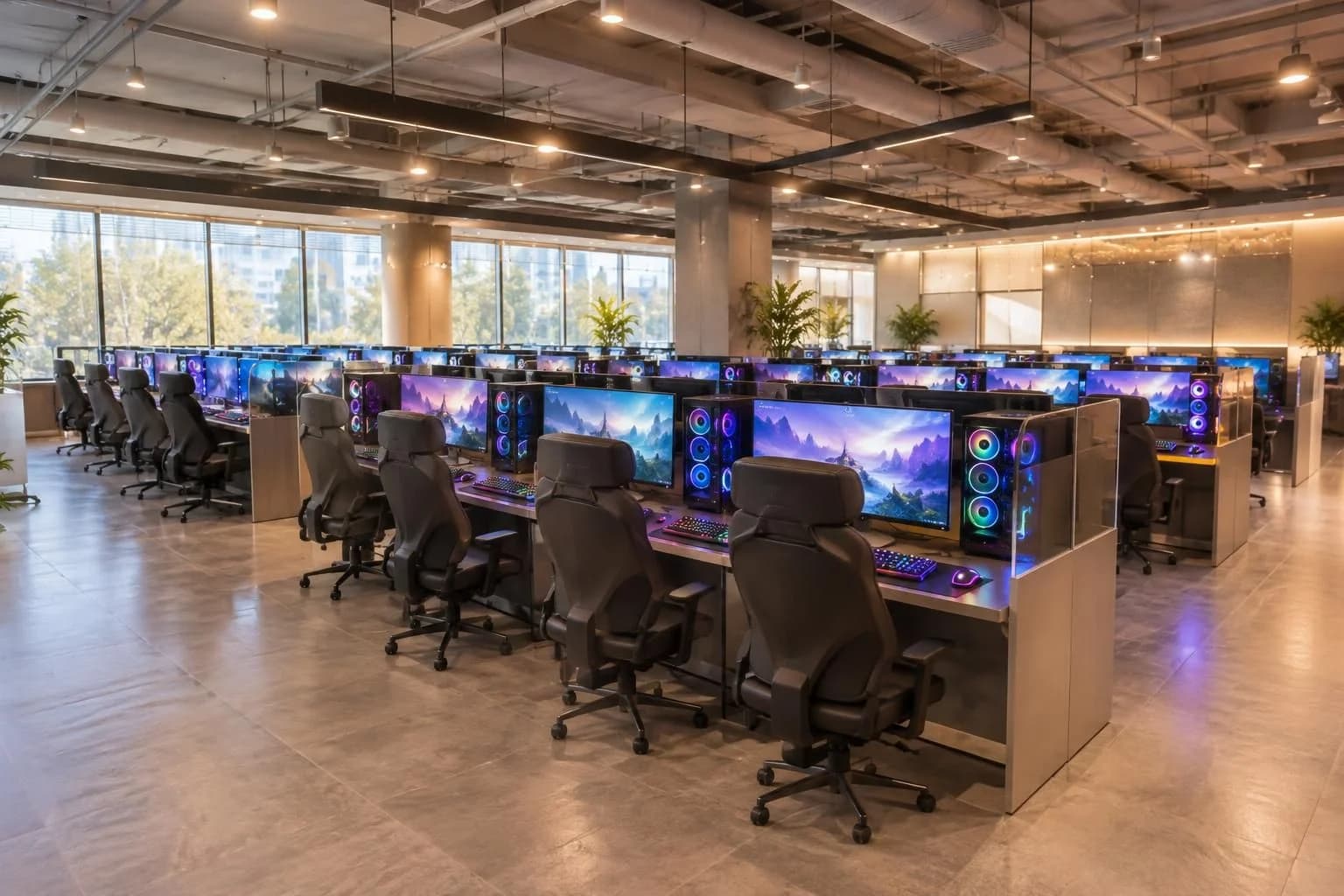
What a PC bang is
A PC bang is a Korean gaming cafe where you rent a computer by the hour and can usually order food or drinks without leaving your seat. In many places, the experience is built around gaming first, with a counter system that tracks your time, seat, and orders. The details can vary by branch, so check the store’s own notice or ask staff if anything is unclear.
For official information on the management system commonly used by PC bangs, Mediaweb’s PC bang site shows functions for PC time, payment, and product ordering, which supports the idea that time-based billing and food/service ordering are central parts of the operation. (pcbang.com)
How pricing usually works
PC bang pricing is usually time-based. You sit down, log in or check in at the counter, and your usage time is charged according to the shop’s own rate. Some stores may use different rates for different seat types or offer packages, but the exact price is set by each operator, so you should confirm it at the store before you start.
Because the official sources I found are operator-system pages rather than a single nationwide price list, I am not naming a universal rate here. The safe rule is simple: ask the counter for the current hourly price before you sit down. (pcbang.com)
What the PC environment is like
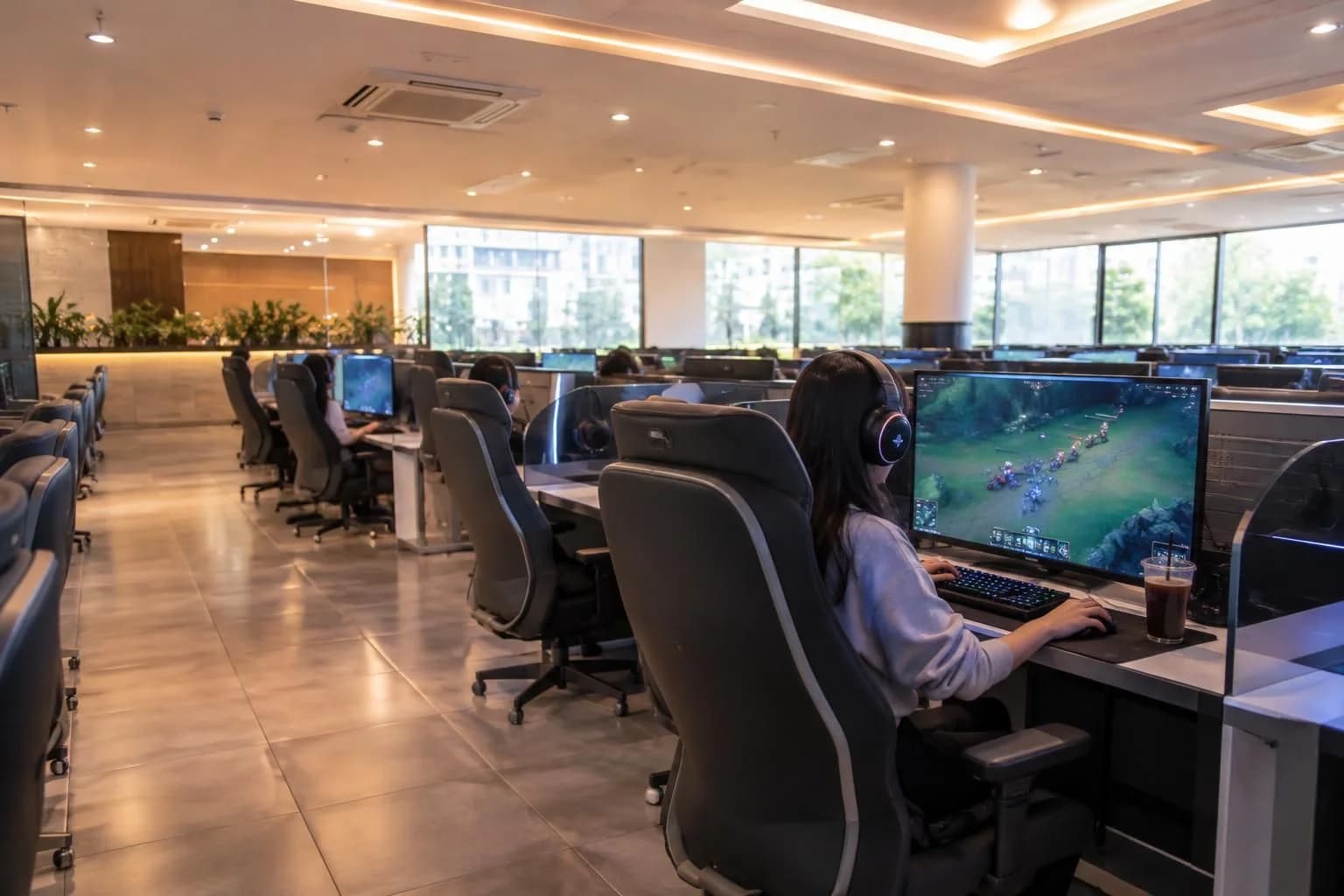
Many Korean PC bangs are designed for high-performance gaming and long sessions. A typical store may have large monitors, gaming chairs, headsets, and fast network connections, but the exact specs depend on the branch. If you care about a specific game or device setup, ask whether a seat has the hardware you want before you choose it.
The store-management system pages from PC bang operators also highlight seat management, membership login, and game-use controls, which reflects how structured the environment usually is compared with a casual internet cafe. (pcbang.com)
Food and drink ordering
One of the biggest differences from many overseas internet cafes is that Korean PC bangs often sell a wide range of snacks and meals. The operator pages I found show built-in menu and order-management functions for food and other items, which indicates that in-seat ordering is a standard feature in many stores. (pcbang.com)
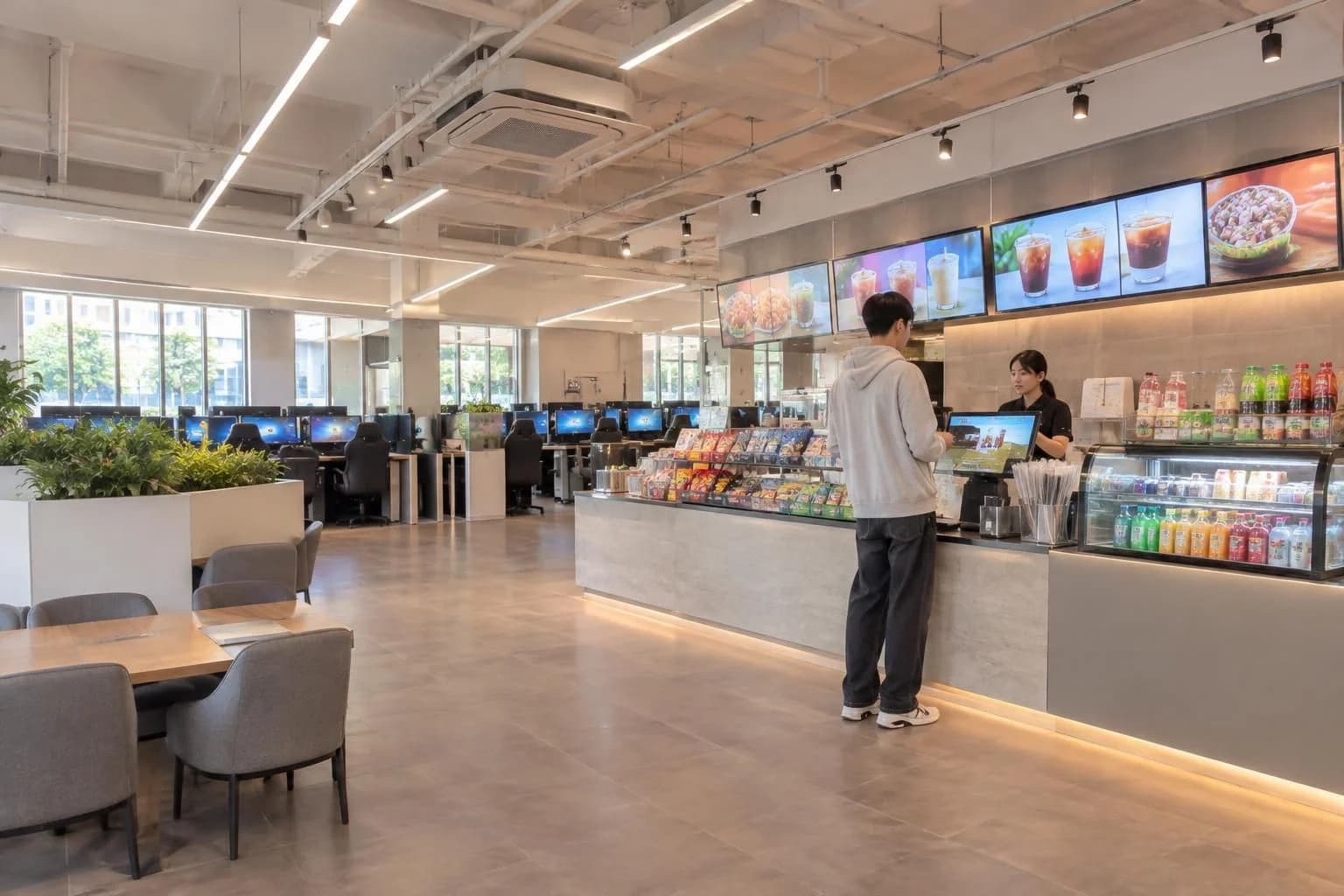
In practice, this usually means you can order from the computer interface or ask at the counter, then have the food brought to your seat. The menu varies a lot by branch, so do not assume every store has the same food list. If you have allergies or dietary restrictions, check carefully before ordering.
What is different from internet cafes abroad
- Gaming is the main purpose. Many PC bangs are set up for performance, comfort, and competitive play, not just web browsing.
- Time tracking is standard. You are usually charged by time rather than by the drink.
- Food ordering is built in. In-seat snack and meal ordering is much more common than in a typical foreign internet cafe.
- House rules can be strict. Some stores set age-based or account-based restrictions through their management system, so the counter may need to verify your status before you can use a seat. (pcbang.com)
First-visit checklist
1. Look at the entrance notice or ask the counter
Before you sit down, confirm the hourly price, whether there are different seat types, and whether food ordering is available. If the store has a membership or login system, ask the staff what they need from you.
2. Choose a seat that matches your needs
If you need a certain game, a larger monitor, or quieter seating, mention that early. If you are unsure, ask for a standard seat first and check the setup before you start playing.
3. Keep your receipt or seat info handy
Many PC bangs track usage by seat and account, so keep any seat number, login details, or payment record accessible in case you need help.
4. Order food carefully
Check the menu before ordering. If you need utensils, extra sauce, or a non-spicy option, ask when you place the order rather than after delivery.
5. Be ready for age or ID checks
Some PC bangs apply age-based access rules through their operating system, and official notices show that stores can restrict login or use for minors or non-members at certain times or under certain settings. If you are carrying identification, bring it with you. (pcbang.com)
Etiquette that helps you fit in
- Keep your voice low, especially late at night.
- Do not take over a seat longer than you plan to use it.
- Clean up crumbs and trash before leaving if the store does not handle it for you.
- Do not unplug or change hardware unless staff says it is okay.
- If you need to leave temporarily, ask how the store handles breaks so you do not lose your seat.
Useful phrases in English
- How much is one hour?
- Is this seat available?
- Can I order food here?
- Do you have a quieter seat?
- What do I need to log in?
If you want the smoothest first visit, the safest approach is to ask the counter one clear question at a time: price, seat type, login method, and food order options. That is usually enough to get started without confusion.