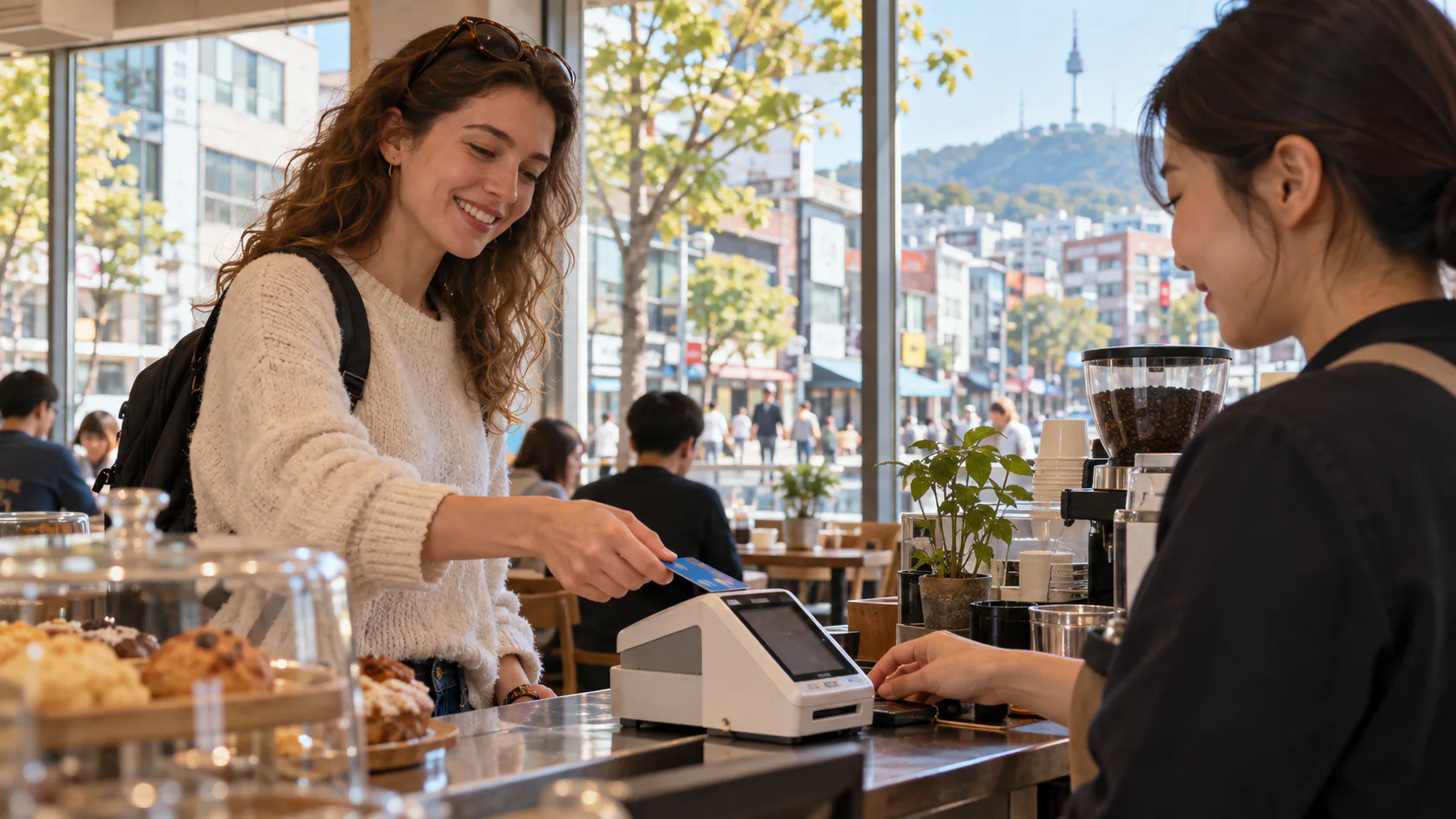
On your first day in Korea, an overseas card and some won may get you through a hotel and dinner. A month later, rent transfers, a salary, mobile shopping and local identity checks can make a Korean bank account much more useful. The confusing part is that an account, a debit card, a credit card and a payment app are four different things. Here is how to build a payment setup in the order you are likely to need it.
Important: Account-opening documents, card approval and mobile-payment access vary by bank, card issuer, app, residence status and phone verification. Check the current requirements with the provider before applying or relying on a particular payment method.
The first days: bring a card and a backup
A foreign-issued card may work in many staffed shops and hotels but can fail at a particular kiosk, online checkout or smaller merchant. Check with your own card issuer about overseas use and fees before travel, and keep some cash in Korean won for the moments a payment terminal does not cooperate. At an ATM, look for international network markings and check withdrawal and exchange charges. A failed terminal does not prove the card is blocked everywhere: a staffed cashier or a different payment method may work.
For local life, receiving wages and transferring rent are easier with a Korean account. Ask an employer whether salary must go to a local account and get the exact account details the landlord will accept. Do not send a housing deposit to an account whose owner and contract have not been checked.
Opening a bank account as a foreign resident
The practical starting point is a bank branch. Bring your passport and residence card if you have one, your Korean phone number if available, and documents showing why you need the account, such as an employment contract, student enrollment, or a lease. The bank can request more evidence and may initially limit transfers until it verifies the purpose of the account. Requirements differ by institution and immigration status; a passport by itself does not guarantee a full-featured account.
At the counter, ask for an everyday deposit account (ipchulgeum tongjang), a debit or check card (chekeu kadeu), mobile banking, transfer limits and English-language support. Make sure your English name, residence-card record, bank record and phone registration match. Name mismatch can derail identity verification in apps. Seoul’s foreign resident banking guide lists major banks and notes that online account opening may require a residence card and a phone in your own name. Woori Bank likewise warns that additional evidence of employment or income may be requested depending on the transaction.
A mobile foreigner residence card is recognized as an ID for financial transactions, and the Financial Services Commission announced its acceptance for account opening at six banks beginning in March 2025. That launch list is not a promise that every bank app handles every application today; confirm the bank’s current channel. Toss Bank’s own 2026 account guide says a foreign applicant may face different identity-verification steps. If an app cannot verify you, try a bank that offers staffed branches and ask about its in-person requirements; Toss Bank itself has no branch counter.

Debit first, credit if you qualify
A Korean debit or check card spends money already in your bank account. That makes it the straightforward everyday companion to a new account. Ask whether it supports online domestic purchases and overseas use, and how to freeze it quickly if lost.
A Korean credit card lets you pay later, but approval is an individual decision. A card issuer may look at verified identity, local income, employment, residence history and credit information; Seoul’s foreign resident guide says proof of domestic income and a period of stay may be required. Ask about the annual fee, monthly spending requirements, billing date and whether an offer’s benefits are actually useful to you. There is no rule that every foreign resident automatically qualifies, and you do not need a credit card to begin paying locally if a debit card works for your needs.
Kakao Pay, Naver Pay and Toss Pay: convenience after identity setup
These are payment services, not three interchangeable bank accounts. They can make supported online purchases, transfers or in-store payments quicker after you connect an eligible account or card and finish the required identity verification. A Korean phone registered in your own name and a residence card often make setup smoother, but eligibility and available features vary by app.
Naver Pay is especially relevant when shopping in the Naver ecosystem. Its own help center says a foreign resident with a Korean identity-verification method, such as a phone in their name or I-PIN, can use a verified Naver account and register a Korean card or account for ordinary Npay services. A short-term visitor without that verification may be offered a more limited global-member path using an overseas card. Those two accounts should not be described as having the same payment features.
Kakao Pay is convenient where a merchant offers its payment button or code; check the app’s current identity and card-linking flow. Toss Pay is another checkout method inside the Toss ecosystem; Toss Bank is a bank product with separate account-opening requirements. Installing any of these apps alone does not make a foreign-issued card work at every Korean checkout. Use the card, bank account and app combination that actually passes verification on your device.
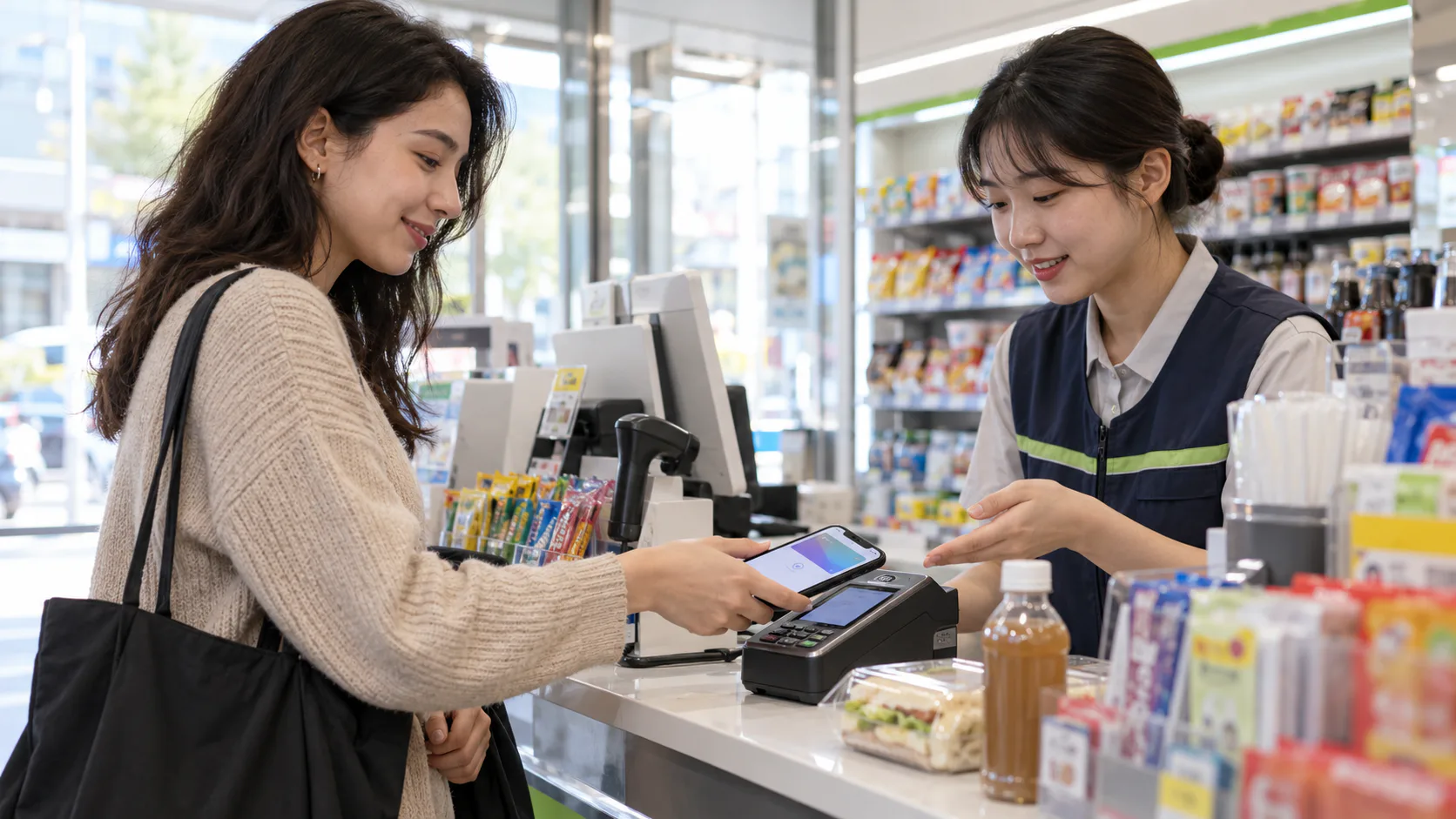
Why Apple Pay may fail where Samsung Wallet works
Apple Pay exists in Korea, but acceptance is not universal. As checked in September 2026, Apple’s Korea issuer list names Hyundai Card for Korea-issued cards; a compatible iPhone and a card from a participating issuer are required. An in-person merchant also needs a terminal enabled for the appropriate contactless payment network. Apple explicitly warns that a terminal may show a contactless mark yet not be configured to take Apple Pay. Ask before relying on your phone alone, and keep a physical card.
Samsung Wallet’s Samsung Pay is widely used in Korean shops, with support for the applicable card reader technologies on supported devices and cards. That does not mean every Galaxy handset, overseas-issued card, issuer or merchant works. Check the card issuer’s Wallet eligibility and test your own combination before leaving the physical card behind. Neither Apple Pay nor Samsung Wallet should be confused with transit-card functionality: check the relevant transit setup separately.
A setup that works for most newcomers
Start with an overseas card and a small cash reserve. When your residence documents and phone are ready, open a Korean transaction account and request a debit card. Set up the bank app and confirm a small transfer with someone you trust before sending rent. Add one mobile-pay app you will actually use, then consider a credit card only if you qualify and the benefits outweigh its costs. Keep account and card alerts on, never share verification codes, and contact the bank quickly if a card or phone is lost.
Korea is easy to pay in once the pieces are connected, but there is no single phone wallet that covers every shop and every newcomer. The reliable combination is a verified bank account, a working physical card and a sensible backup.