Which option fits your trip?
If you are visiting Korea for a short stay, the best choice usually depends on three questions: do you need only data, do you need a Korean phone number for calls or texts, and will you share one connection across multiple devices. VISITKOREA separates prepaid visitor SIMs into physical USIM cards and eSIM, and also notes that airport roaming centers can arrange SIM cards and WiFi router rentals. english.visitkorea.or.kr
For many visitors, data-only eSIM is the simplest option if your phone supports it. Physical SIM is the safer fallback if your device does not support eSIM or is locked. Pocket Wi-Fi is useful when several people want to share one connection, or when you want to keep your own phone number active on another line while the group uses one hotspot device. The right choice is often about convenience, not just headline price. english.visitkorea.or.kr
What KT’s visitor eSIM page says
| Item | Official condition | Notes for visitors |
|---|---|---|
| Plan type | Prepaid product for foreigners visiting Korea | Designed for short stays |
| Service range | Data-only eSIM and data/call/SMS eSIM options | Calls and SMS are not the same as identity verification |
| Availability | Data eSIM available online and on site; voice/SMS eSIM available on site only at KT roaming centers in airports | Plan type affects where you can buy it |
| Validity | Install within 90 days after purchase; total use and extensions must not exceed 90 days | Good for short trips, not long stays |
| Refunds | Purchase is non-cancellable and non-refundable once completed | Do not buy before checking device compatibility |
| Device/account limits | One-time installation; do not delete after install; if deleted, no new QR code is provided | Important for travelers who reset phones often |
| Authentication | KT eSIM does not support personal authentication | Do not assume a tourist number works for every verification flow |
Those terms come straight from KT’s visitor eSIM page, which also says the QR code must be scanned within 30 days of purchase and that extensions are offered in 5-, 10-, 20-, or 30-day increments. If you need outgoing calls or texts, KT says that option is tied to airport roaming-center purchase and identity verification at the airport center. m.roaming.kt.com
Physical SIM, eSIM, or pocket Wi-Fi: practical trade-offs
- Data-only eSIM: best if your phone supports eSIM and you mainly need maps, messaging apps, rides, and browsing. KT’s page says data eSIM can be purchased online and installed by QR code, with no outgoing calls or SMS on the data-only plan. (m.roaming.kt.com)
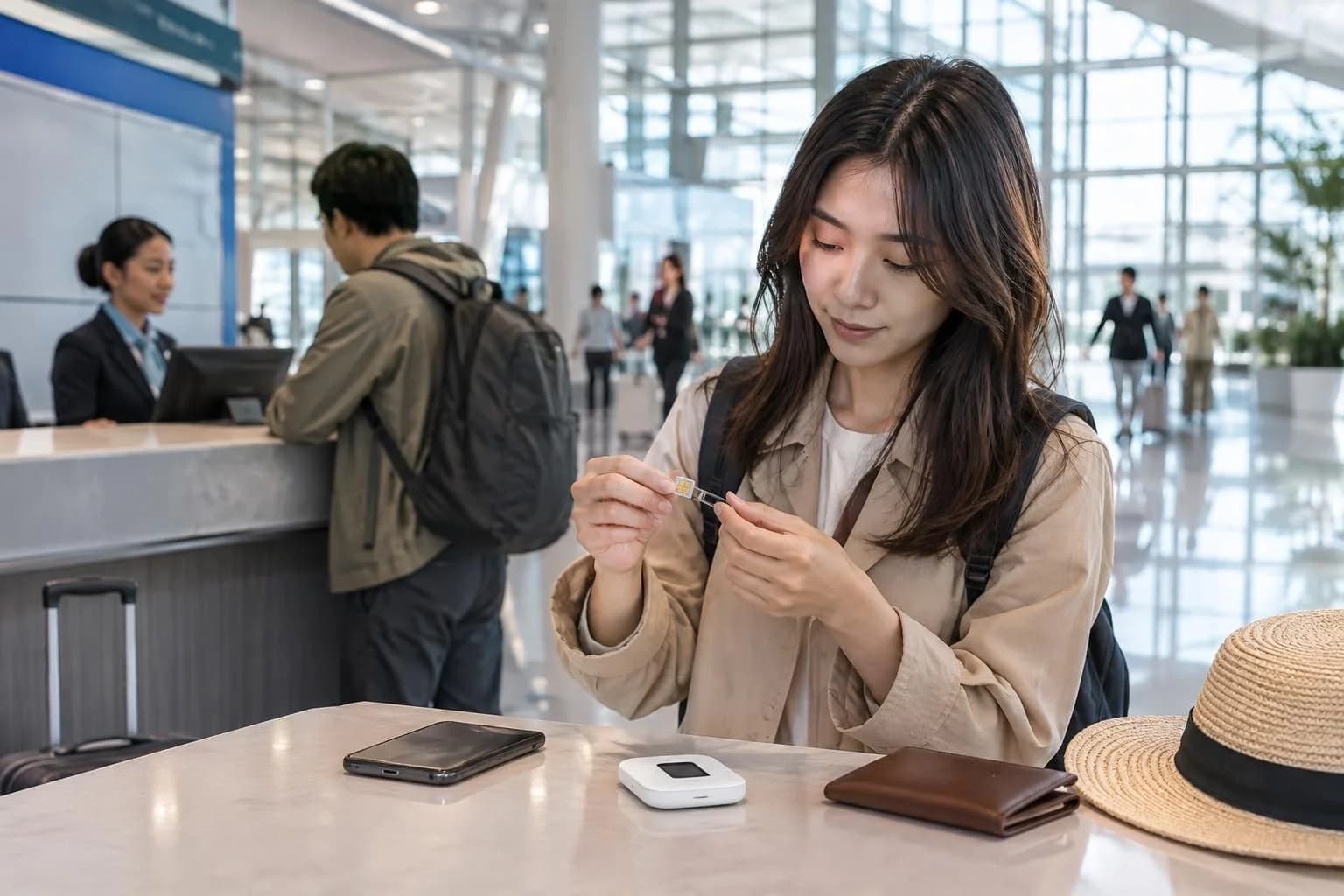
- Physical SIM: best if your phone does not support eSIM, or if you prefer a removable card. VISITKOREA says visitor SIMs are sold at airport convenience stores, some downtown convenience stores, and online. (english.visitkorea.or.kr)
- Pocket Wi-Fi: best for a pair or group traveling together, especially if everyone wants to connect at the same time. VISITKOREA says airport roaming centers can handle WiFi router rentals. (english.visitkorea.or.kr)
One useful rule of thumb: if your group carries several phones, a pocket Wi-Fi may be easier to share; if you are traveling alone, eSIM is often less hassle; if your phone is locked or incompatible, use a physical SIM or rent a router instead. That is an inference from the official product setup, not a guarantee for every traveler.
Airport pickup, activation timing, and what to check before you land
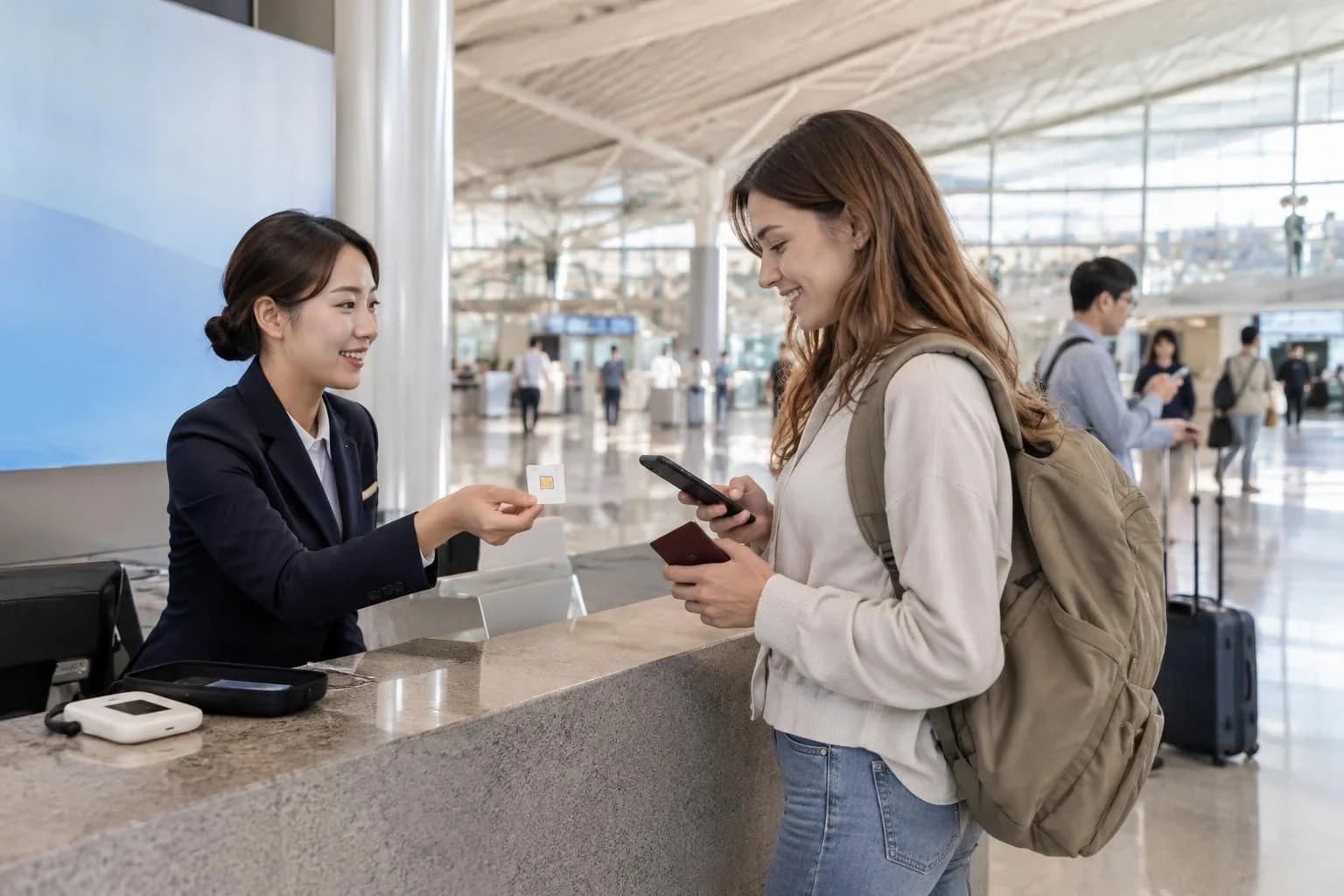
VISITKOREA says foreign visitors can buy SIM cards at Incheon International Airport CU stores and at 7-Eleven branches in Seoul, Busan, Jeju, and other major cities, and it recommends buying in advance online or at the airport for convenience. KT’s official eSIM page also says its visitor eSIM is available on site at KT roaming centers in airports, with the QR-based eSIM install completed after purchase.
Before you buy, check four things on your own phone: whether it supports eSIM, whether the device is carrier-unlocked, whether you need a voice/SMS-capable plan or only data, and whether you want to share the connection with other devices. If you need to keep reading transit directions or place a reservation right after landing, it is safer to install the eSIM before departure or complete the airport pickup as soon as you arrive. KT says the install must happen within the stated purchase window, and the product is intended for short-term use.
Calls, texts, and identity verification are different things
Do not treat a tourist SIM phone number as proof that every Korean service will accept it for verification. KT’s page explicitly says its visitor eSIM does not support personal authentication, even though the plan may include a Korean number and, on some products, incoming or outgoing calls and SMS. In other words, a phone number for travel use is not the same as a number that works for every verification process.
If you only need to stay reachable on messaging apps, a data-only plan is often enough. If you need to receive calls or texts from local businesses, or you expect to make calls within Korea, choose the voice/SMS option and confirm the purchase channel before you travel. KT says outgoing call/SMS service for the prepaid eSIM is available only after identity verification at the airport roaming center.

Tethering, shared use, and staying connected
For travelers who want one phone to serve several devices, tethering matters more than the sticker price. Official visitor-plan pages may allow data use with speed control or extensions, but the exact hotspot allowance can vary by product and plan, so check the specific plan page before purchase rather than assuming every Korea SIM or eSIM allows unlimited sharing. KT’s visitor eSIM page describes data plans, extension limits, and installation rules, but you should confirm hotspot use on the exact product page or order screen before buying.
If you are a group of two or more, a pocket Wi-Fi can reduce the need to swap SIMs or drain one phone’s battery. If you are solo and your phone is compatible, a data eSIM is usually easier to carry, easier to activate, and easier to replace than a physical card or router rental. That practical comparison follows from the official product formats described by VISITKOREA and KT.
Where to ask for help if something goes wrong
VISITKOREA points visitors to the 1330 Korea Travel Helpline and complaint center, which provides tourist information and real-time chat support. If your connection fails after purchase, the first practical step is usually to check whether the eSIM was installed correctly, whether data roaming is enabled, and whether the phone is actually network unlocked. KT’s guidebook also notes that roaming issues can sometimes be fixed by restarting the phone or selecting another partner network. english.visitkorea.or.kr
For travelers who need a quick official starting point, VISITKOREA also maintains a general information page on electricity, communications, SIM cards, and Wi-Fi access: VISITKOREA’s electricity and communications guide. Use that as a reference page, then confirm the exact product terms on the operator page before paying.
What to choose, in one line
- Choose eSIM if your phone supports it and you want the least physical hassle. (m.roaming.kt.com)
- Choose a physical SIM if your phone is not eSIM-capable or if you want a removable card. (english.visitkorea.or.kr)
- Choose pocket Wi-Fi if you are sharing one connection across several devices or travelers. (english.visitkorea.or.kr)