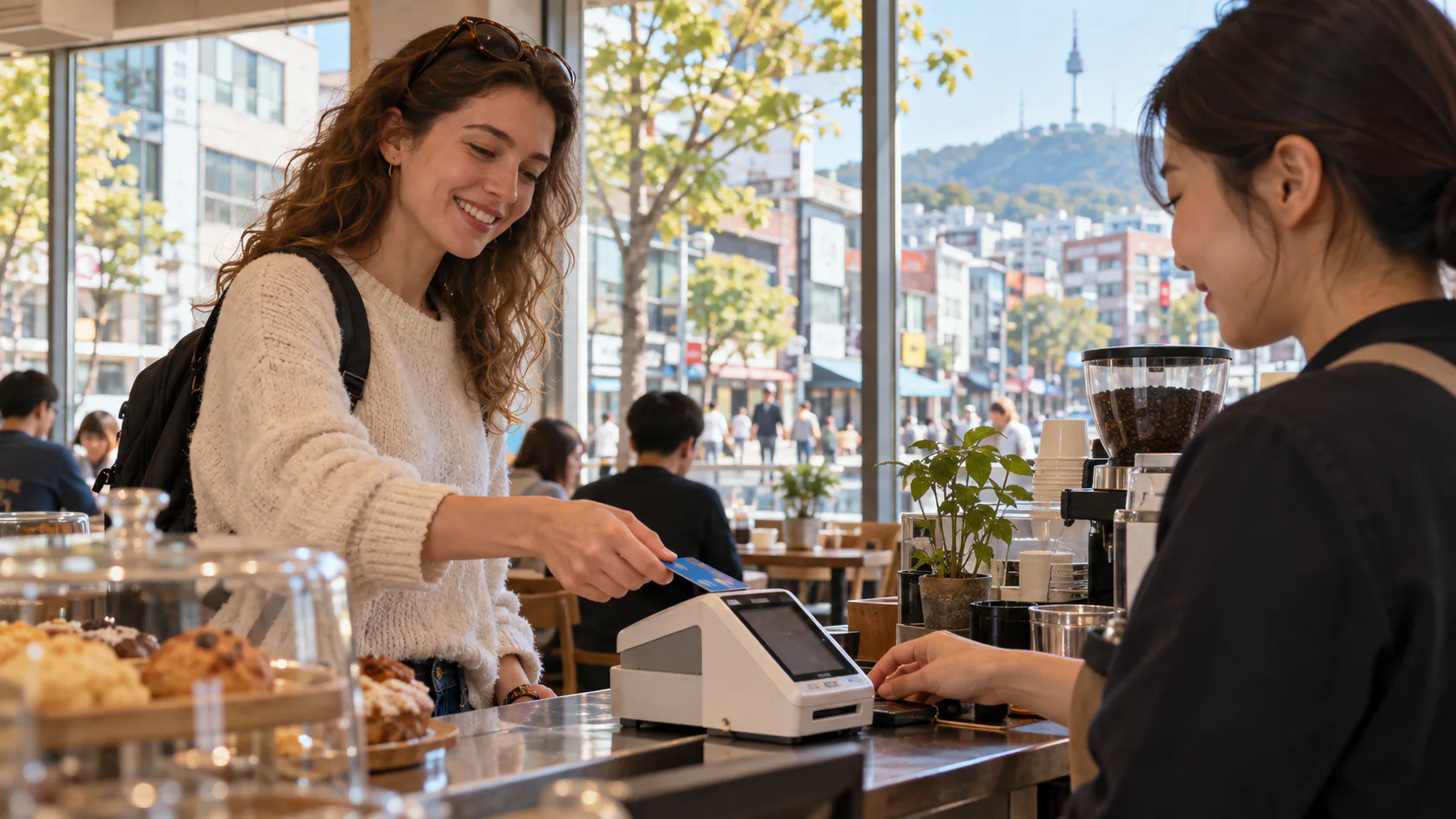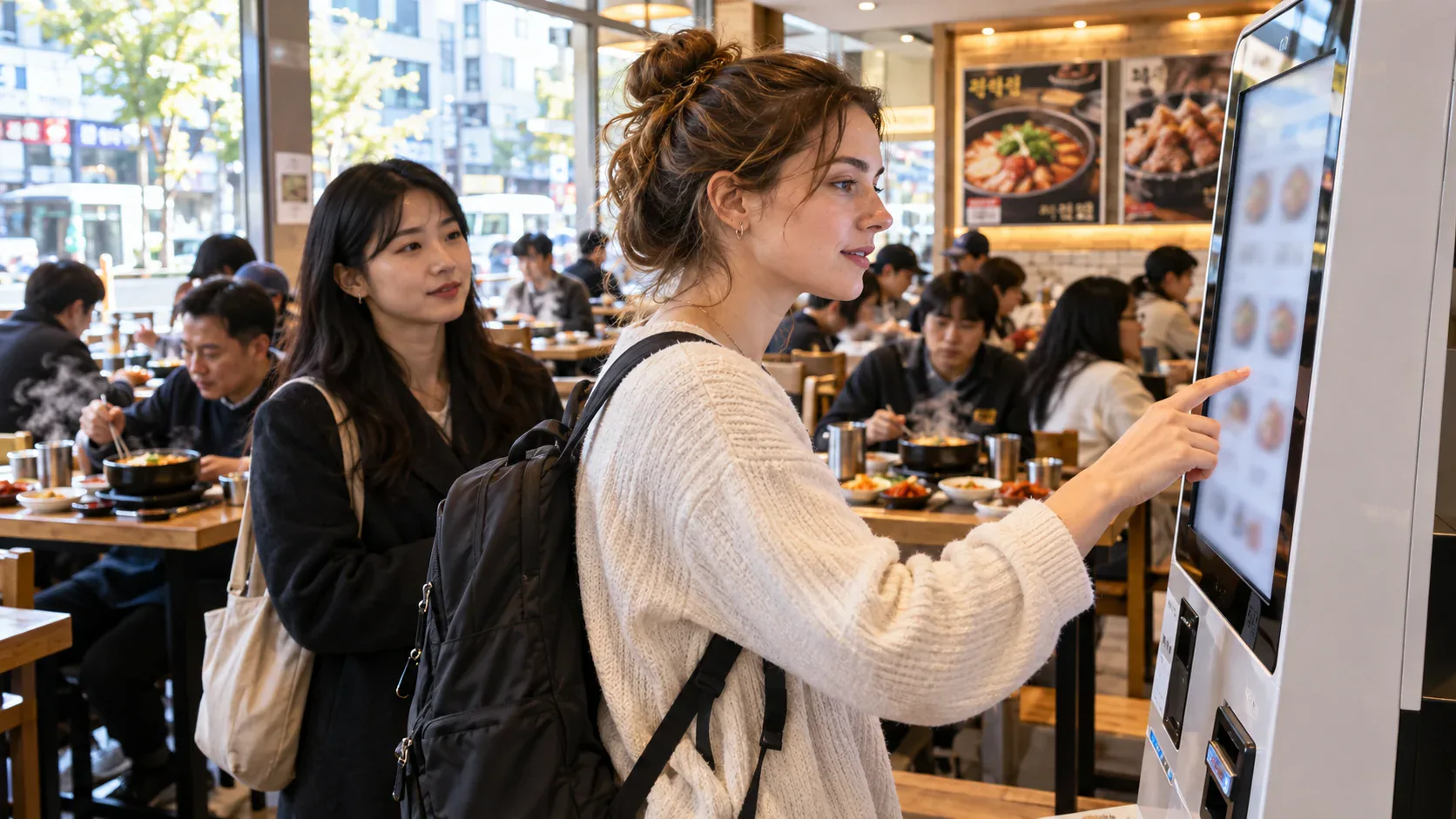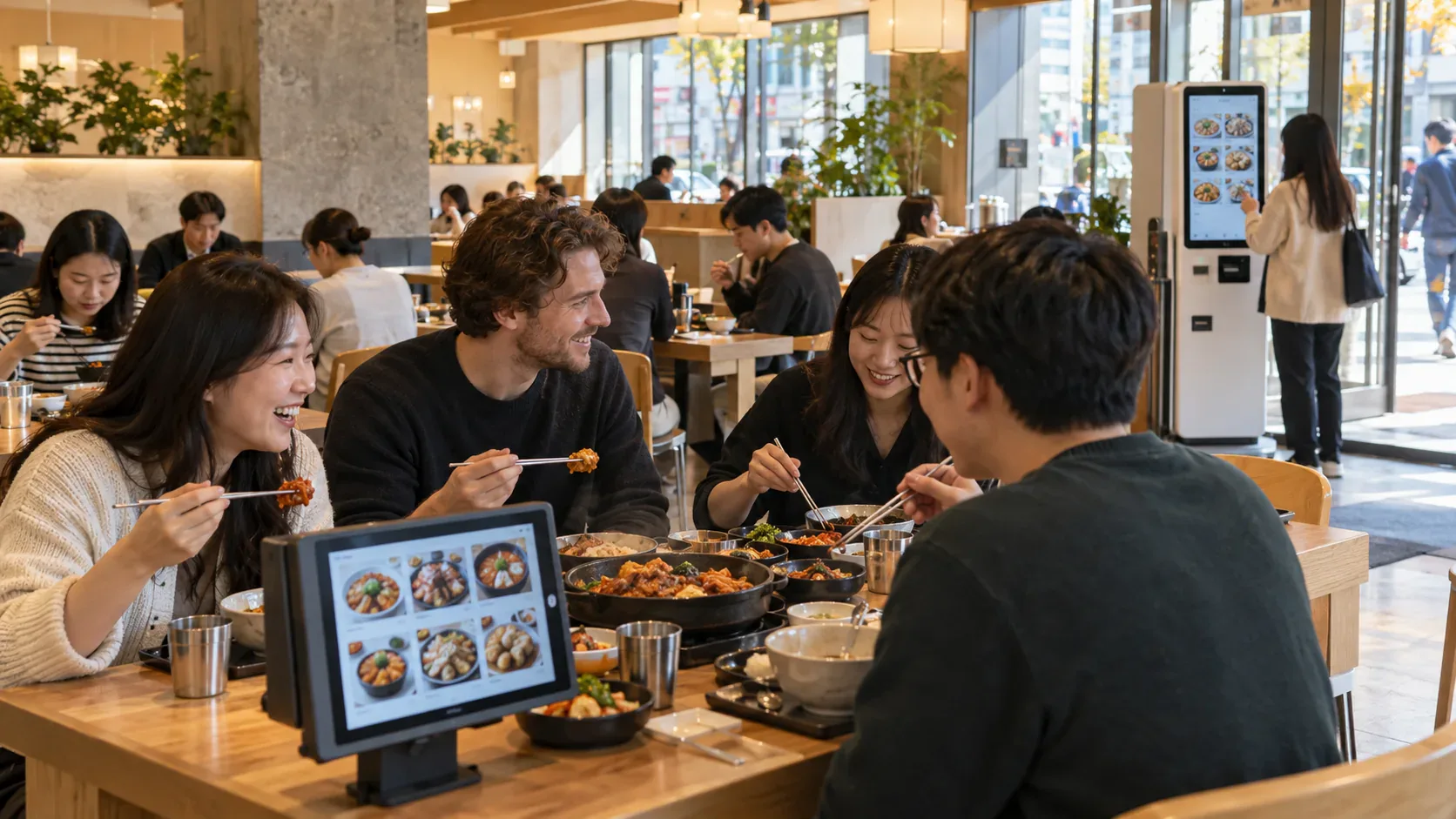
Walk into a Korean café and you may meet a screen before you meet a cashier. Sit down for dinner and there may be another screen at the table. Browse, add a dish, send the order to the kitchen and sometimes pay—all without waving for a server. For visitors, the interesting story is not a list of Korean button translations. It is how ordering became part of Korea's everyday digital culture.
A restaurant kiosk is a self-service ordering screen, usually a freestanding machine near the entrance or counter. Customers choose dishes and options, send the order to the kitchen and, where supported, pay at the screen. A tablet fixed to a table serves a similar purpose without making everyone queue at one machine. Some restaurants instead put the menu on your phone through a QR code. The precise steps and payment options vary by shop.
These systems are visible in chains, cafés, quick-service shops and some full-service restaurants. But visibility is not universality. A government survey found that 13.0% of food-service businesses used an unmanned ordering device in 2025, up from 4.5% in 2021. The rate was 7.8% in 2023. These figures include kiosk-style and other self-ordering devices; they are the share of businesses in the survey, not the share of meals ordered on a screen. They do not mean every restaurant has a kiosk.
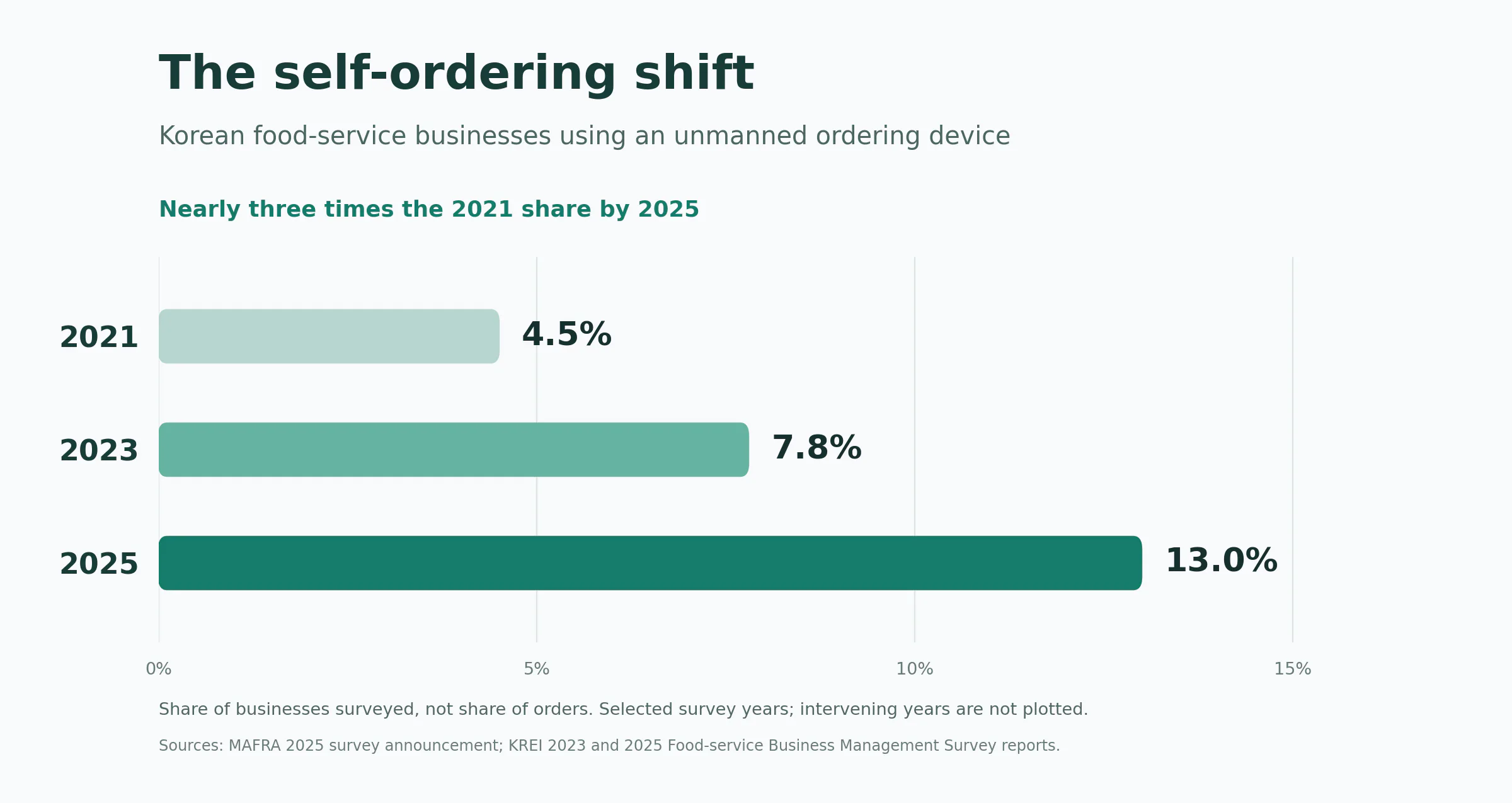
Chart: Share of surveyed food-service businesses using an unmanned ordering device. 2021: 4.5%; 2023: 7.8%; 2025: 13.0%. Sources: Ministry of Agriculture, Food and Rural Affairs, 2025 Food-service Business Management Survey announcement; Korea Rural Economic Institute, 2023 and 2025 Food-service Business Management Survey reports. Only published comparison years are shown; no value is implied for the intervening years.
The experience also depends heavily on where you eat. In the 2025 survey, 30.2% of franchise businesses used an unmanned ordering device, compared with 6.7% of non-franchise businesses. That gap helps explain why the technology can feel everywhere when you spend time in cafés and chains, while a neighborhood restaurant may still take orders in person. The survey is national, not a map of every street or a count of kiosks per store.
Where you encounter them: counter, table and phone
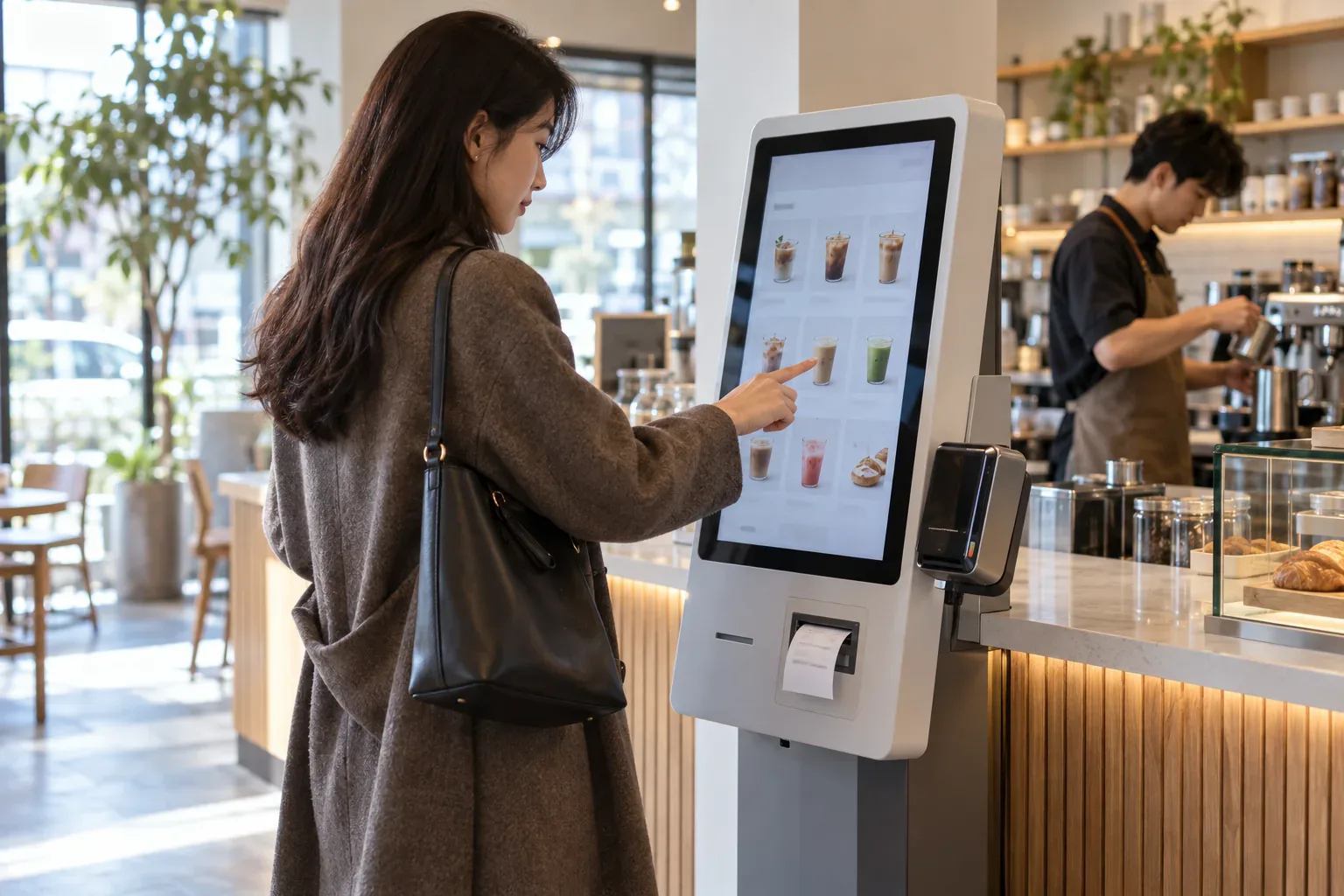
The entrance or counter kiosk is the machine you approach before sitting down or while collecting a takeaway. You can browse the menu and options, pay if the machine supports it, and receive a number or receipt for pickup. It can take pressure off a single cashier, although a busy kitchen can still mean a wait after you pay.
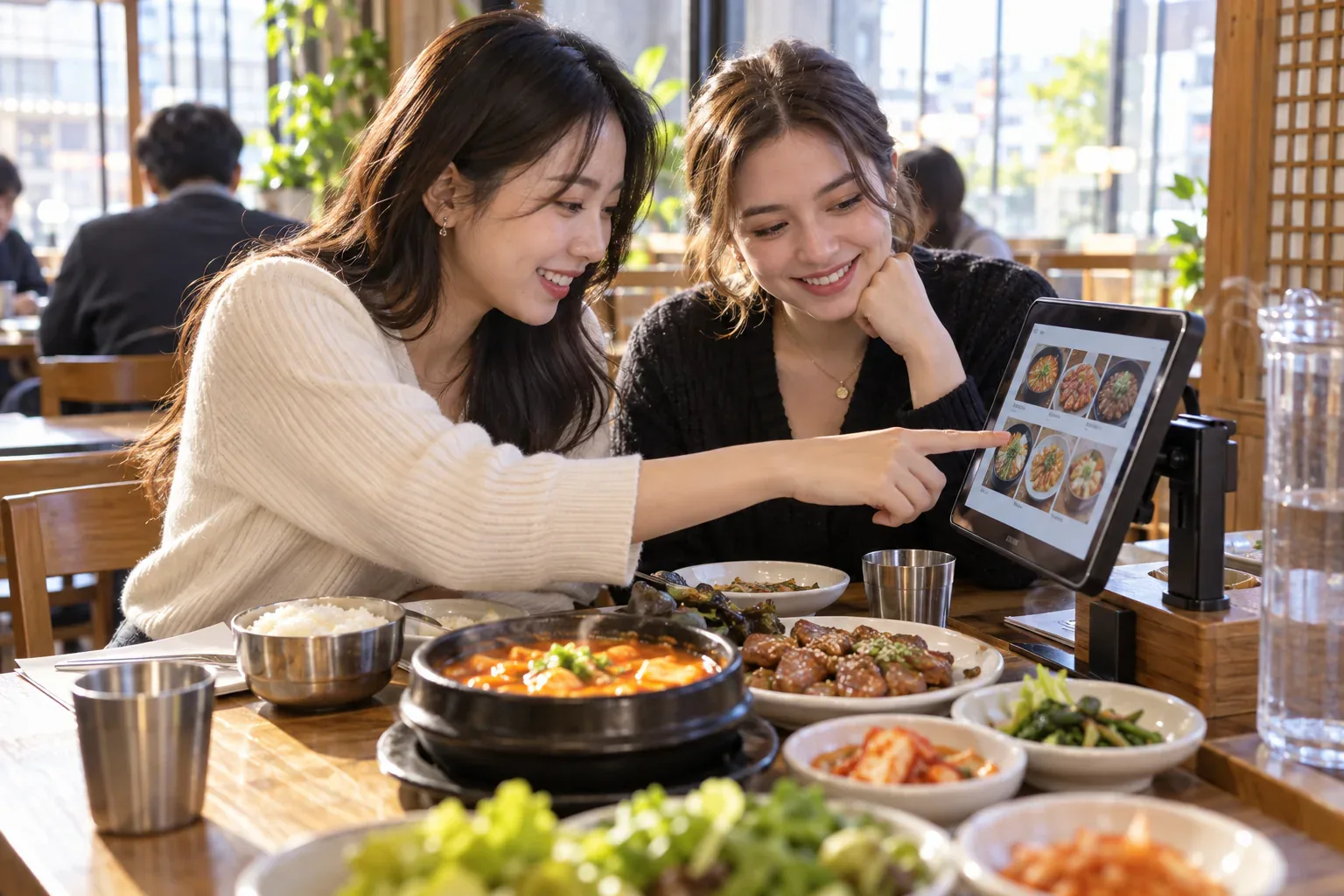
The tablet at the table changes the rhythm of a sit-down meal. You can see dishes and prices before deciding, send a second order without calling a server, and in some restaurants pay at the table. There is no single line at a counter for ordering because each table has its own screen. The menu can show photos, available items and optional extras; what it actually supports depends on the restaurant.
A QR code or phone-based menu moves the screen to your own device. Scan, browse and sometimes order or pay from the table. This can be convenient if your phone is ready and the service supports your payment method, but it may be harder when the page requires a local account or payment option. Do not assume that a reservation app, a QR menu and an in-store kiosk all accept the same cards.
The advantages: time, choice and a clearer order
For a diner, the biggest advantage is control over the moment of ordering. You can take another minute over the photos, check the total before paying, and add a drink later without trying to catch someone's attention. A table tablet can be especially handy in a group: people can look together instead of passing one paper menu around.
Separate payment is possible in some setups, but it is not a universal feature. Friends can often order and pay separately at a counter kiosk. A table tablet may instead build one bill for the table, with splitting handled at the cashier or not offered at all. Check the payment screen or ask staff before assuming a group can split the bill there.
For the restaurant, an order sent from a screen can flow straight into its ordering system, leaving staff more time for cooking, serving and questions. It can make repeat orders and changes to the menu easier to manage. It can also shift work to customers, cost money to install, and frustrate people who prefer human help. In the 2025 survey, among businesses that did not use an unmanned ordering device, the most common reported reason was concern that customers would find it inconvenient (39.9%). The convenience is real for many people; it is not equally convenient for everyone.
The disadvantages: payment, access and the missing conversation
A touch screen can be awkward for someone who cannot read the text comfortably, has limited dexterity, or simply wants to ask a question. A foreign-issued card may work at one device and fail at another; a phone-based menu may require a local account. Some machines make it easy to tap an extra by mistake, and a completed payment does not mean the kitchen has finished preparing the food. Staff still matter when an order goes wrong or a diner needs ingredient advice.
The survey's non-use responses also show the restaurant's side: 30.1% cited installation or operating costs and 20.7% cited management difficulties. These are responses among surveyed businesses without an unmanned device, not a measure of customer complaints. Screens can remove one step for some guests while adding a different hurdle for others.
The cultural shift is bigger than the machine
Ordering yourself often comes with other small changes to the meal. A café might call your receipt number instead of bringing a drink over. Another place might ask you to collect water, cups or side dishes at a self-service station and return a tray after eating. Korea Tourism Organization notes that these practices and unmanned ordering machines have become more common, although each restaurant sets its own routine.
This is the part a traveler remembers: the screen starts the order, but you still have to notice where the food will appear and how the room works. It is a different dining rhythm, and there is no shame in asking someone where to collect an order or whether a refill is self-service.
If the screen is in Korean, keep the fix simple
Many systems offer English and sometimes other languages. If a menu is Korean-only, a phone camera's translation feature is usually more useful than memorizing a long list of buttons. Take a photo, translate the screen, then double-check the dish, quantity, extras and final price. If the machine rejects a foreign card or the receipt never appears, ask staff what happened before paying again.
Here is the short practical version of the earlier ordering guide: decide whether you are eating in or taking away, review the options and total, keep the receipt or order number, then look for the pickup display or your table service. If there is a water station or tray return, follow the signs. The details change from one shop to another; the flow is more useful than a glossary.
One thing a screen cannot settle is a serious food restriction. A translated dish name does not prove the absence of meat or fish broth, an allergen, or a non-halal ingredient. Korea Tourism Organization advises vegetarians to check ingredients such as broths and fillings directly. When it matters, ask a person before paying; if the answer is uncertain, choose another option.
Korea's restaurant screens are a useful example of a larger change: a task once handled in conversation is increasingly handled at the counter, at the table or on a phone. The technology can save a step, show more of the menu and make repeat orders easier. The best experience still leaves room for a human answer when the screen cannot help.